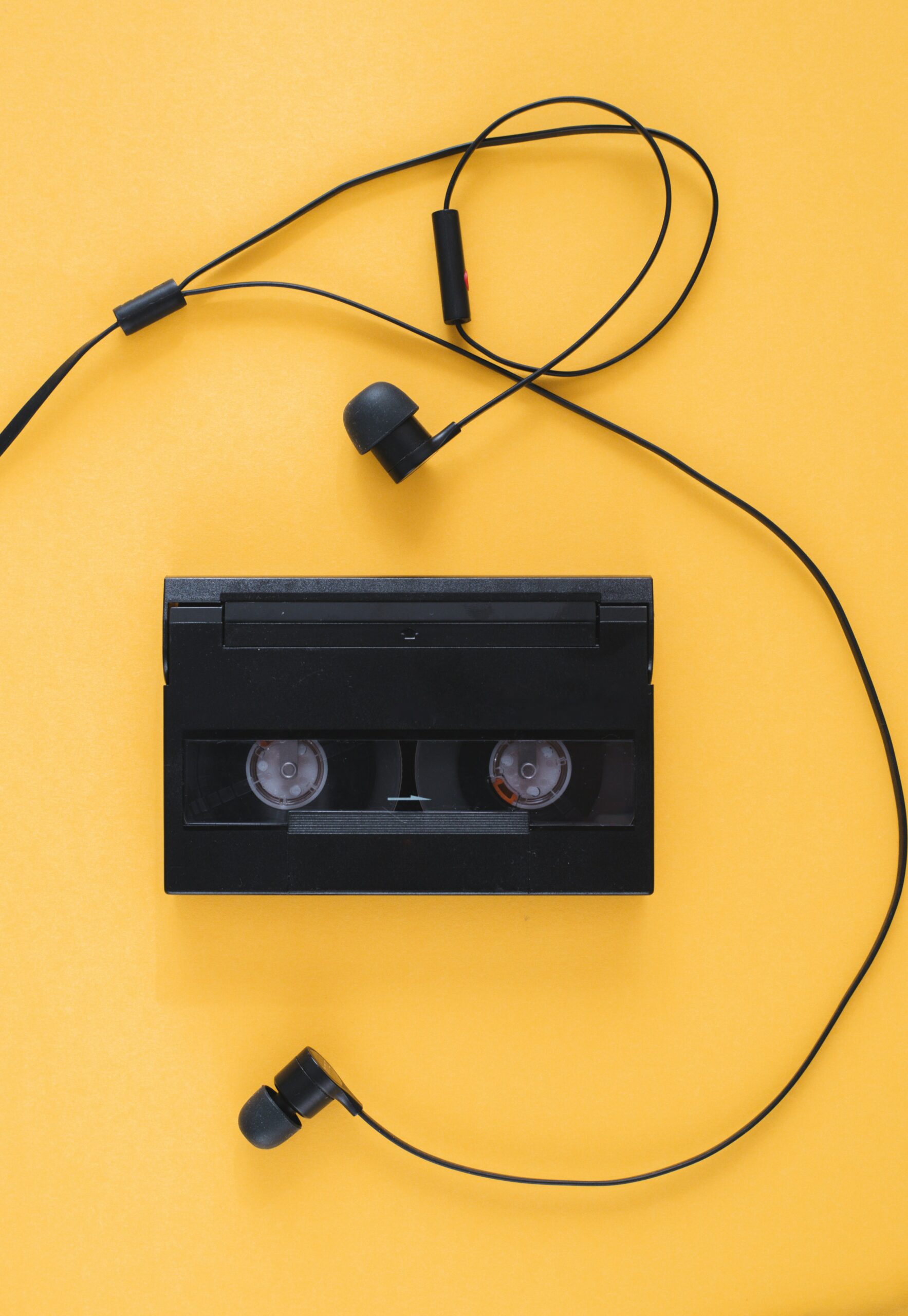
The Soundtrack of My Coding Journey
It started with a simple idea: what if I could build a music player that not only played songs but also reflected my growth as a front-end developer? Inspired by my previous project, the Dragon Repeller RPG Game: Combining Fun, Logic, and Creativity, I embarked on a new challenge, the Music Player Project.
This endeavor was more than just coding, it was about harmonizing functionality with aesthetics, much like composing a symphony.
Planning the Composition: Features to Implement
Before diving into code, I outlined the features that would make my music player both functional and user-friendly:
- Playlists: Allow users to create and manage their own playlists.
- Playback Controls: Include play, pause, skip, and repeat functionalities.
- Volume Adjustment: Enable users to control the volume seamlessly.
- Progress Bar: Display the current position within the track.
- Responsive Design: Ensure the player looks good on all devices.
This planning phase reminded me of setting realistic goals, as discussed in my post How to Set Realistic Learning Goals as a Beginner Programmer.
Developing the Core: JavaScript and Audio Handling
To handle audio playback, I utilized the Web Audio API, a powerful tool for controlling audio on the web.
Here’s a snippet of how I initialized the audio context:
const audioContext = new (window.AudioContext || window.webkitAudioContext)();

const audioElement = document.querySelector('audio');

const track = audioContext.createMediaElementSource(audioElement);

track.connect(audioContext.destination);
This setup allowed me to control the audio playback programmatically, providing a foundation for advanced features.
Reacting to Changes: State Management and Dynamic Playlists
Integrating React enabled me to manage the application’s state efficiently. Using hooks like useState and useEffect, I could track the current song, playback status, and volume levels.
For dynamic playlists, I created a state array to hold the list of songs:
const [playlist, setPlaylist] = useState([
  { title: 'Song 1', url: 'song1.mp3' },
  { title: 'Song 2', url: 'song2.mp3' },
  // more songs...
]);
This approach allowed users to add or remove songs, enhancing interactivity.
Overcoming Challenges: Cross-Browser Compatibility and UI Smoothness
One significant hurdle was ensuring the music player worked consistently across different browsers. Some browsers had quirks with the Web Audio API, requiring polyfills or alternative methods. I referred to MDN’s Web Audio API best practices to navigate these issues.
Additionally, achieving a smooth and responsive UI required careful CSS styling and testing on various devices. This experience echoed my learnings from The Importance of Responsive Design in Modern Web Development.
A Story of Persistence: Debugging the Volume Control
During development, I encountered a particularly difficult bug. The volume slider wasn’t affecting the audio output. After hours of debugging, I realized I hadn’t connected the gain node properly in the audio context.
This experience taught me the importance of attention to detail and reminded me of my journey in Master Debugging with These Essential Tips for Beginners.
❓ FAQ: Common Questions About Building a Music Player
Q: Can I use third-party libraries to build a music player?
A: Yes, libraries like Howler.js or Tone.js can simplify audio handling, but building from scratch provides a deeper understanding.
Q: How do I handle different audio formats?
A: Ensure your player supports common formats like MP3 and OGG, and consider using the <audio> element’s canPlayType method to check compatibility.
Q: Is it necessary to use React for a music player?
A: Not necessarily, but React’s state management makes handling dynamic data and UI updates more manageable.
What Features Would You Add?
I’m curious, what features would you include in your own music player? Perhaps lyrics display, equalizer settings, or social sharing options? Share your ideas in the comments below!
📣 Join the Conversation
Thank you for joining me on this journey of building a music player from scratch. If you’re working on your own coding journey or just starting out, I’d love to hear about your experiences and challenges. Drop a comment below or reach out to me through my contact page to connect!
🚀 If you found this post helpful or have questions. Share your experiences in the comments below or connect with me on TikTok and Instagram @CodeWithMalie. Let’s continue learning and building together!
👉 Want more coding insights? Subscribe to Code with Malie for a freebie and weekly tips!